








Everything you need to split your bill

From scanning to settling – SmartCheck handles it all.

  • Scan receipt fast

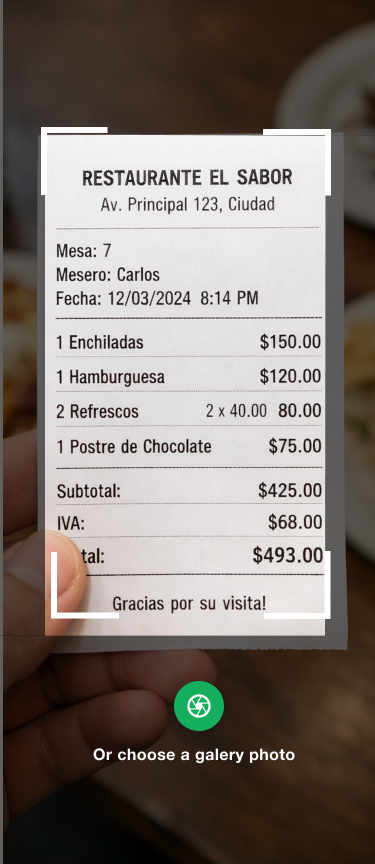
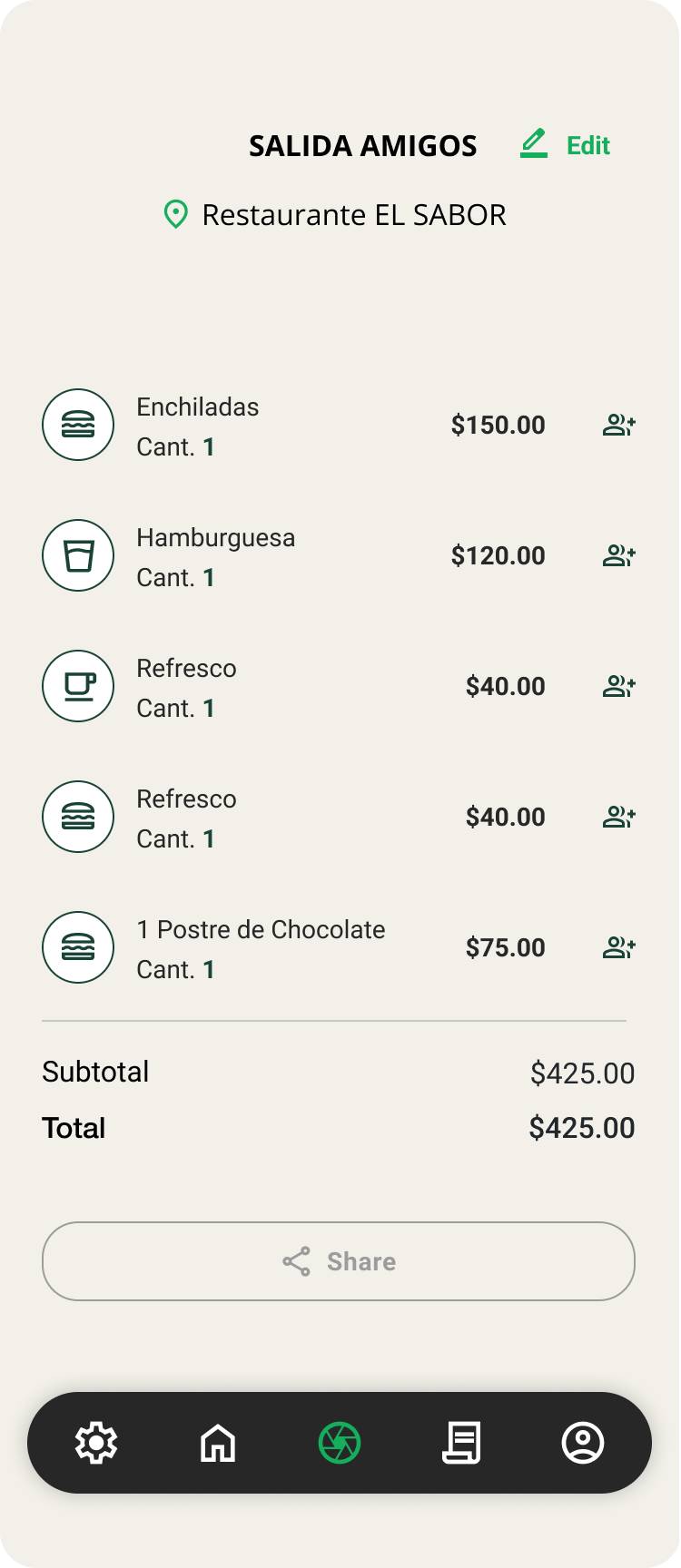
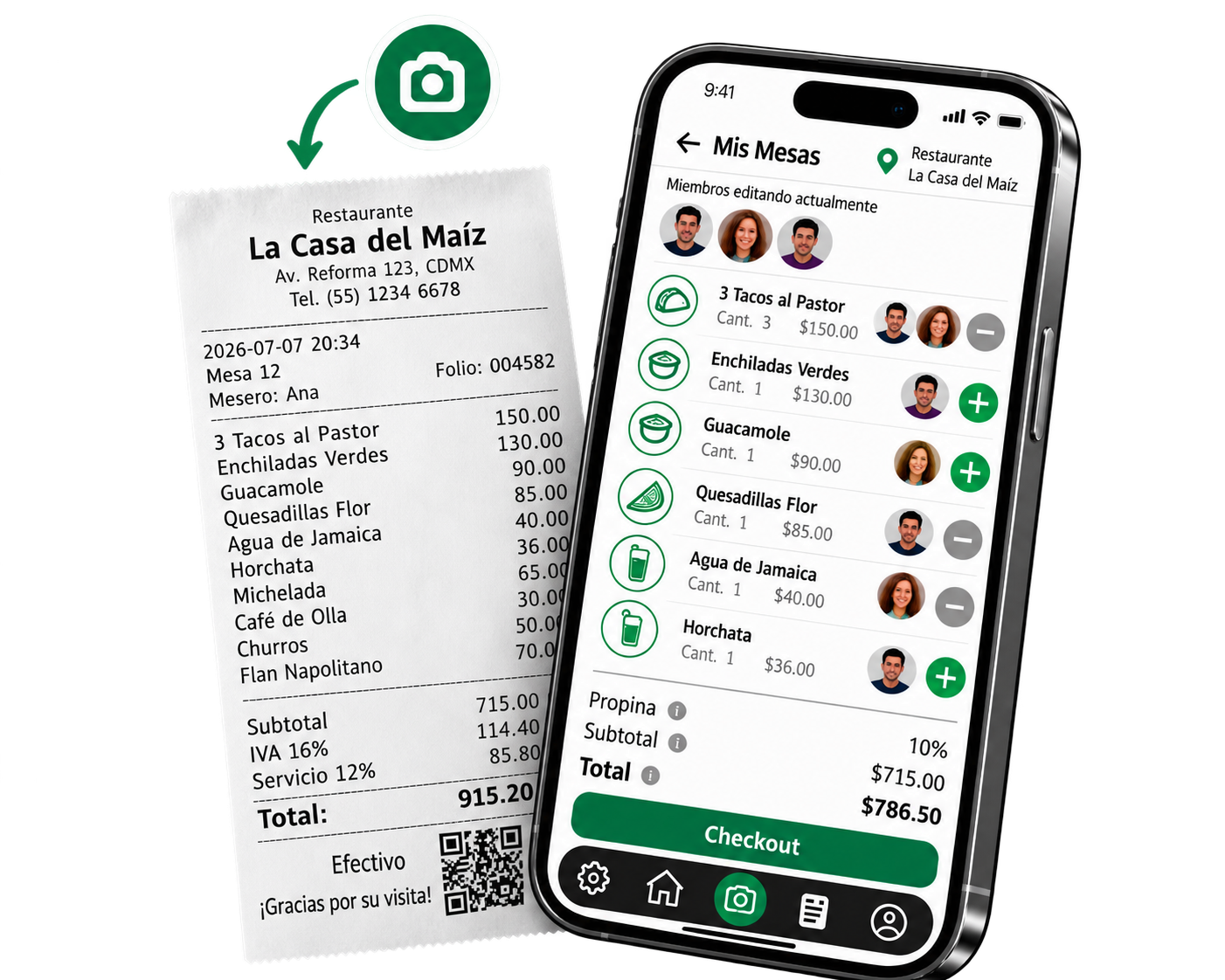
    Point your camera at any receipt and SmartCheck instantly reads every item, price, and total – no manual entry needed.

  • Invite by link

    Share a link with your table and everyone joins in seconds – no app download or account required.

  • Real-time collaboration

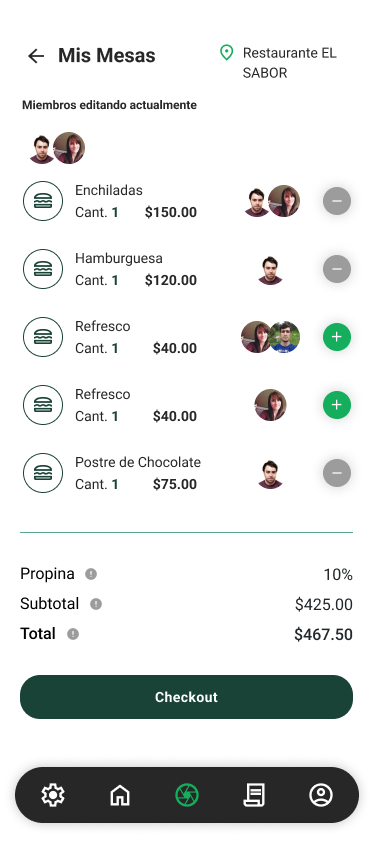
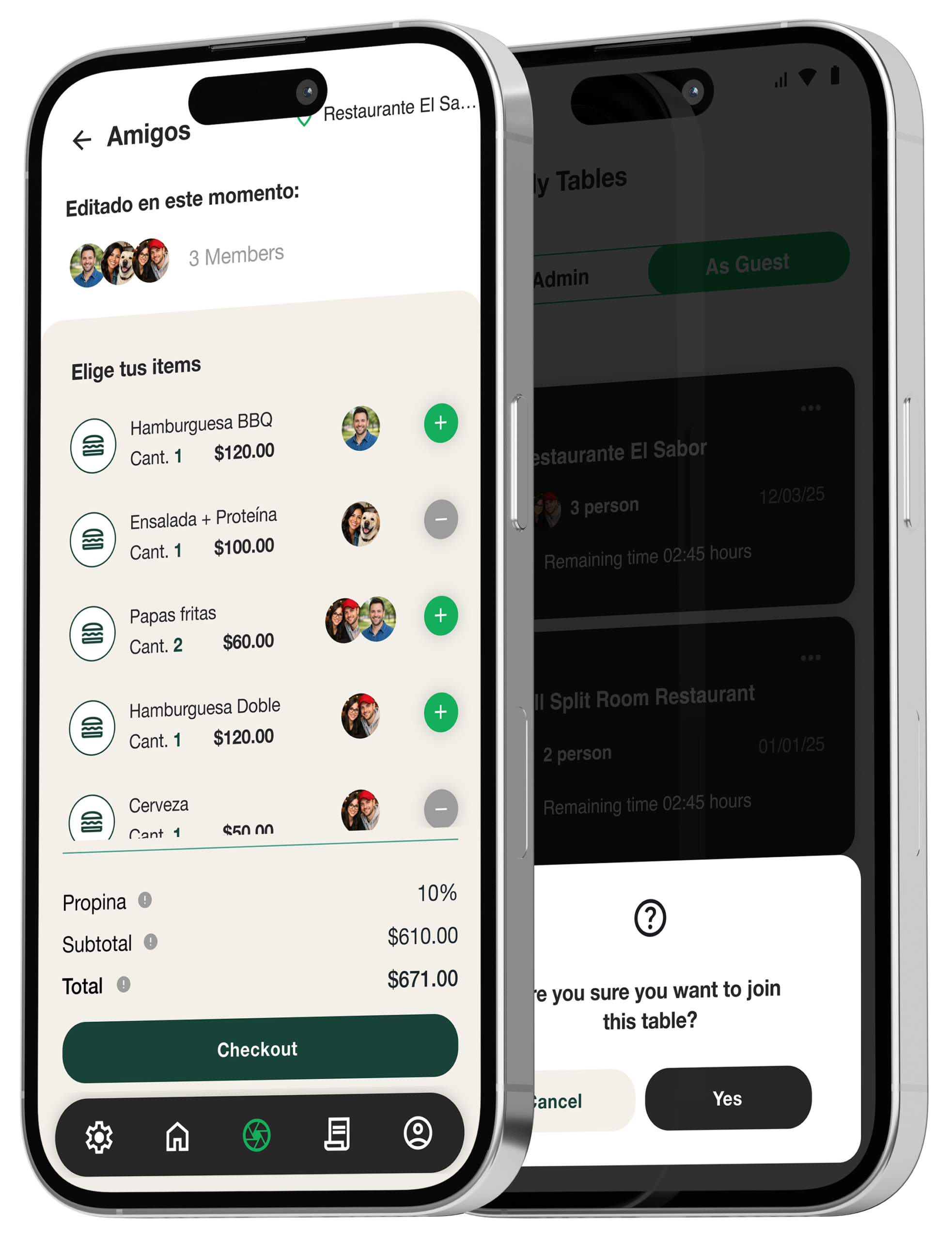
    Everyone at the table selects their own items simultaneously, so the split is done before the waiter comes back.

  • Tip & tax handled

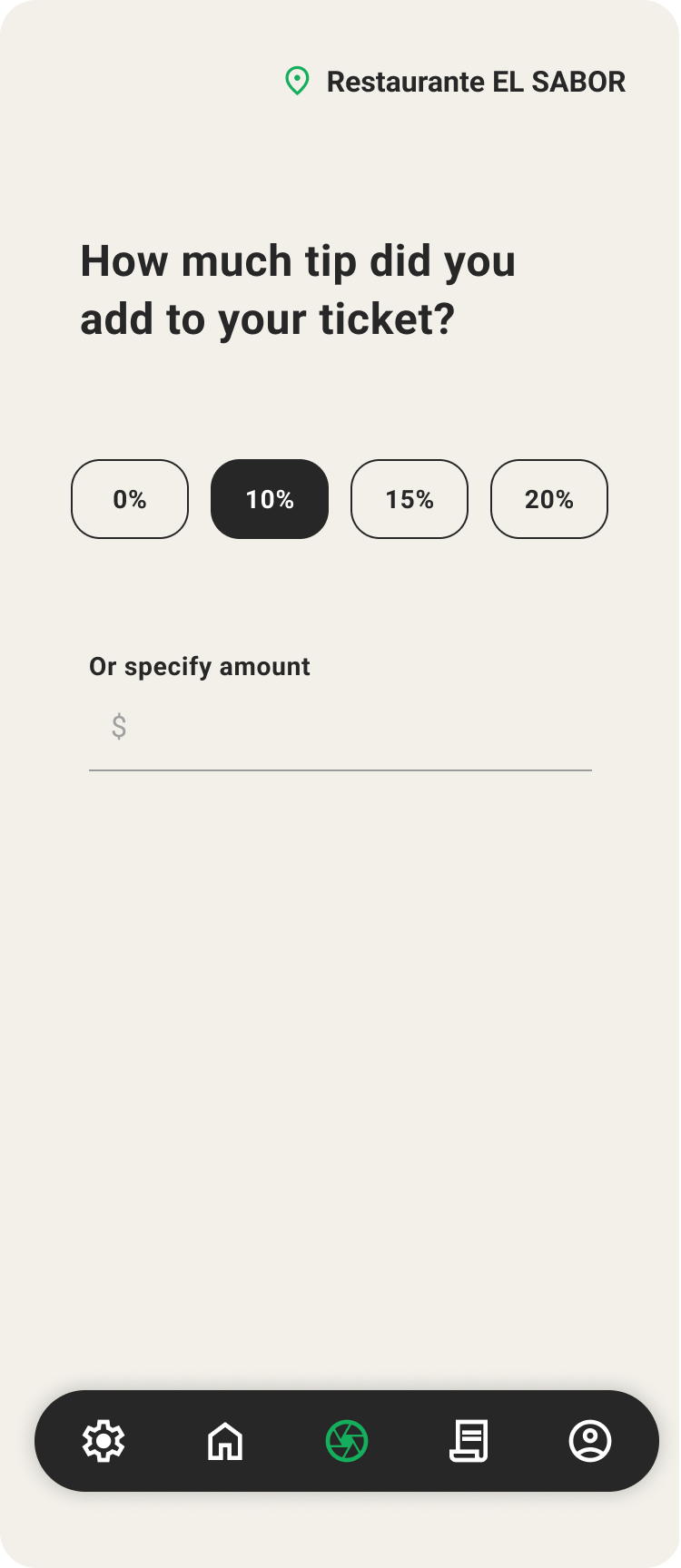
    Choose a tip percentage or enter a custom amount – SmartCheck splits the tax and tip proportionally for each person.

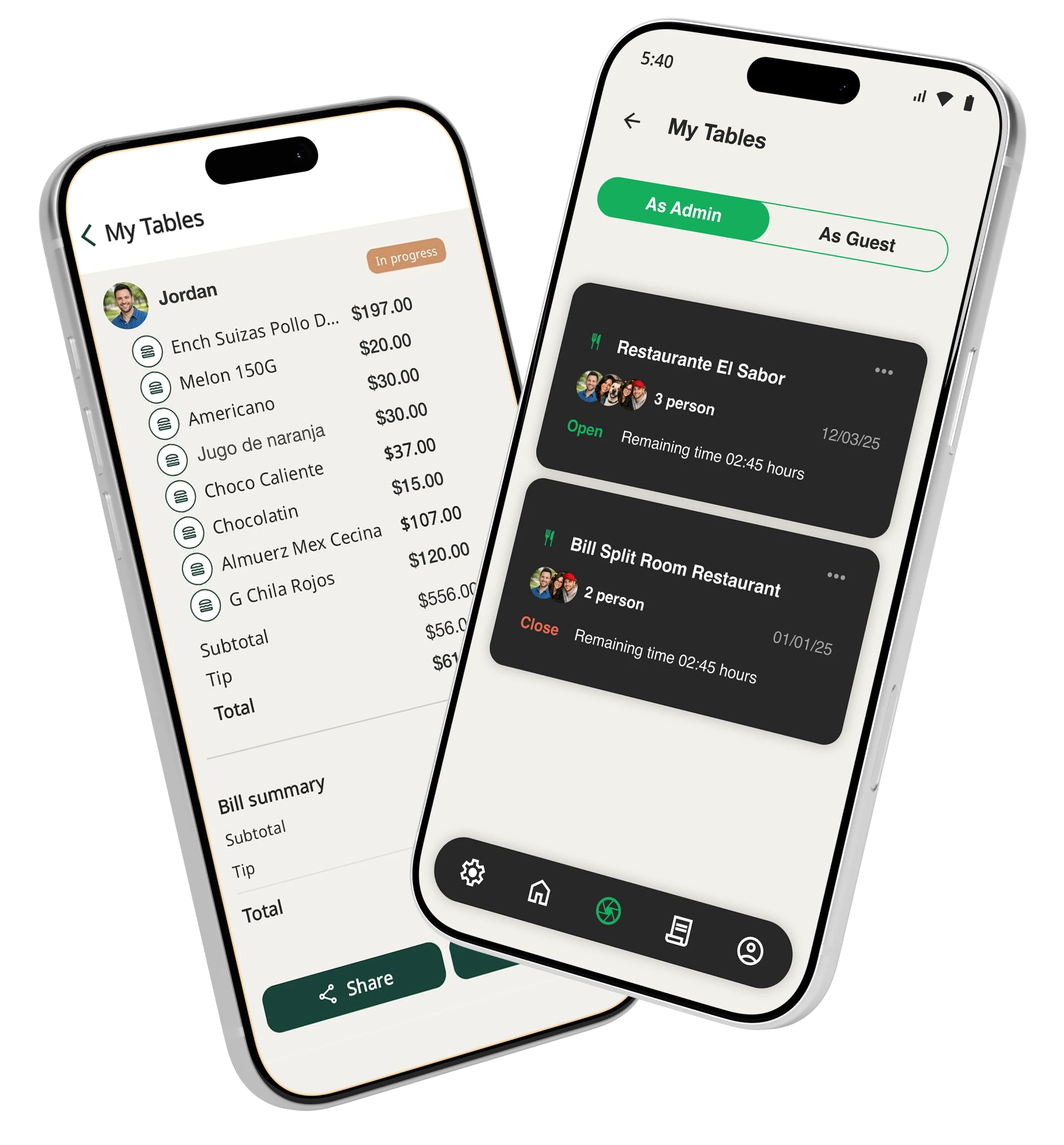
  • Auto-close table after 24h

    If the session is left open by mistake, SmartCheck automatically closes the table after 24 hours to keep everything clean.

  • Clear totals for everyone

    Each person sees exactly what they owe – their items, their share of tax, and their tip -with no confusion or surprises.

How It Works?

Split your bill into three simple steps.

Create a table

Scan the receipt and name your table

Invite your friends

Share a link, guests join in seconds

Assign & settle

Everyone claims items, totals update instantly

For the host

Scan receipt

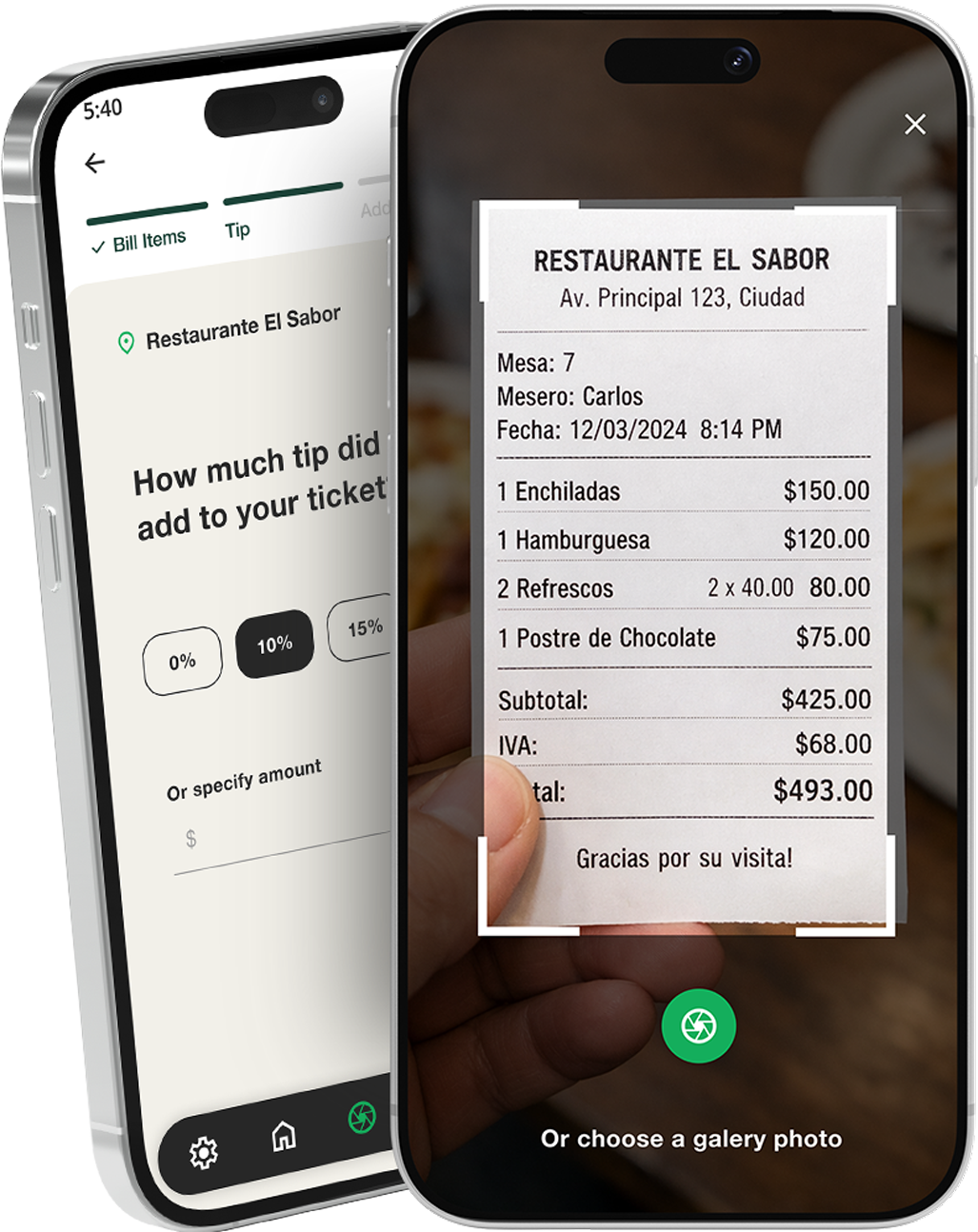
Take a photo of the bill and SmartCheck automatically pulls out every item and price in seconds.

Tip & tax

Set a tip percentage or a fixed amount – tax and tip are automatically distributed among everyone at the table.

Share link

Generate a unique link for your table and share it via WhatsApp, text, or wherever – your guests join instantly.

For the guests

Open link

Tap the link shared by the host – no download or account needed.

Join table

Join the table in real time and see every item exactly as it appears on the scanned receipt.

Claim items

Check off the items you ordered – you can even split a single dish with someone else if you shared it.

See totals

See exactly what you owe at any moment – tip and tax already included, no math or awkward debates needed.
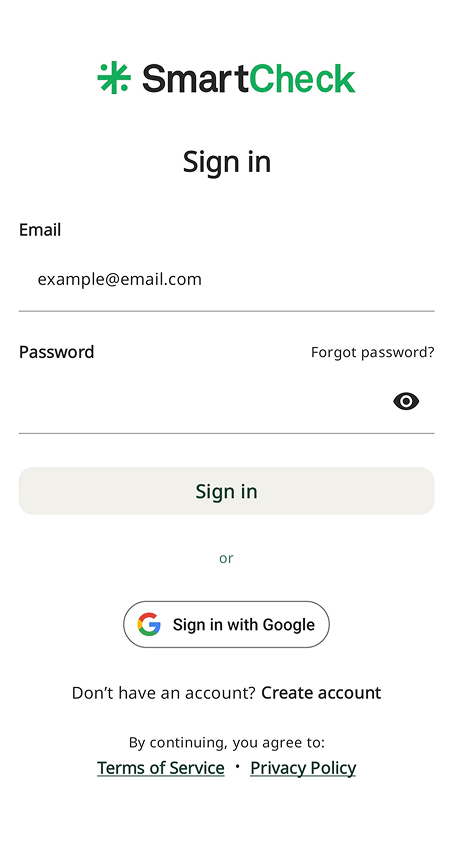
App Screenshots

This is how SmartCheck looks in action.

Get In Touch

Do you have any questions or suggestions? Write to us.